
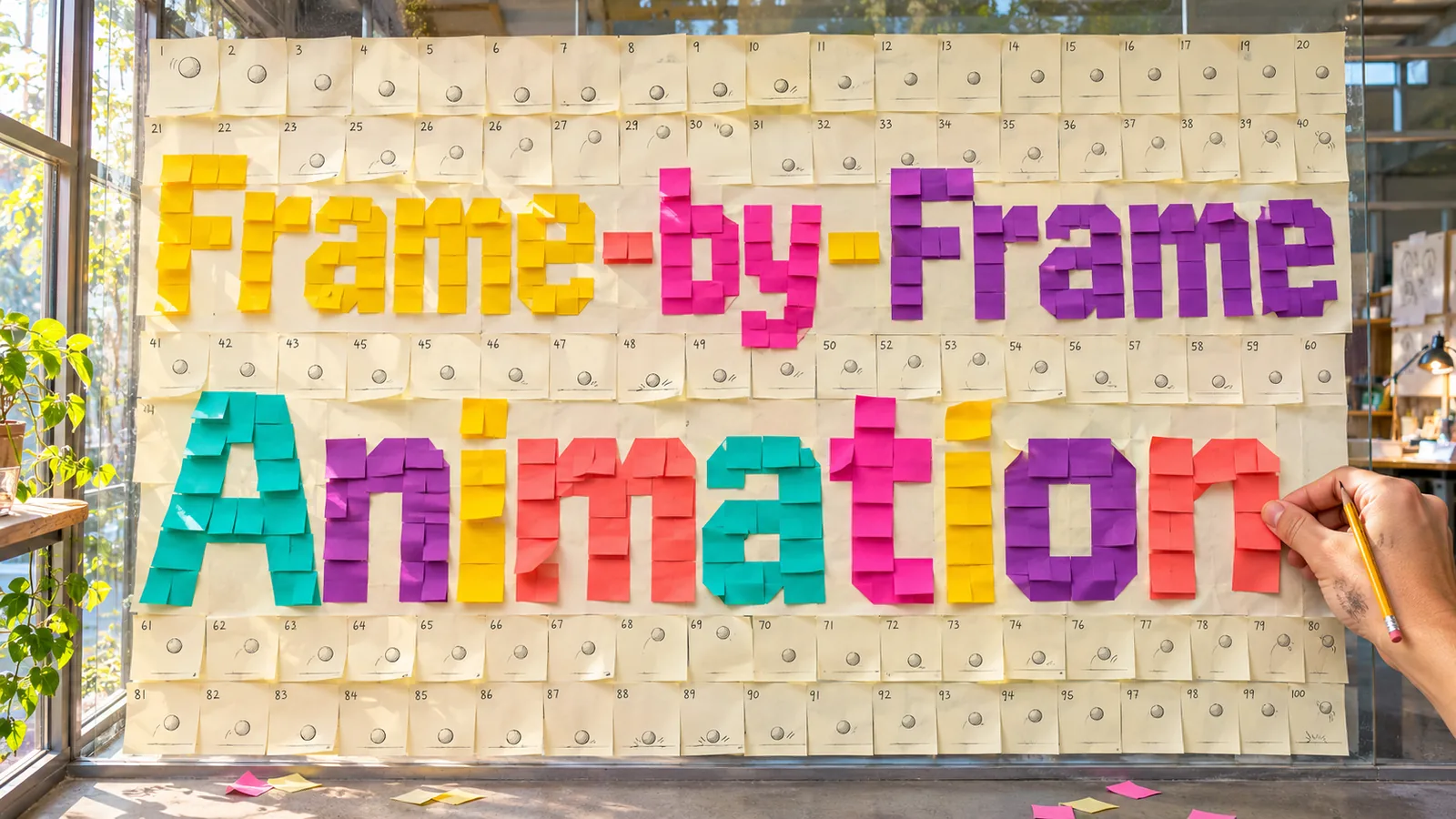
Frame-by-frame animation is the oldest way to make a drawing move, and it's still the method behind some of the most expressive animation on screen today. But it isn't the only way, and it isn't always the right one. This guide explains what frame-by-frame animation is, how it differs from keyframe animation and tweening, and how a studio decides which approach suits a series, an ad or a YouTube show.
What Is Frame-by-Frame Animation?#
Frame-by-frame animation is a technique where every frame of movement is drawn, or changed, by hand. Play those drawings in quick succession and the eye reads them as motion. Nothing is filled in by software. If a character blinks, turns or jumps, an artist has drawn each step of it.
This is how classic hand-drawn cartoons were made, and it's still how many 2D studios work today, only now the paper has mostly been replaced by a drawing tablet.
How Frame-by-Frame Animation Works#
Most animation plays at 24 frames per second. An animator rarely draws all 24. Instead, the work is planned in layers:
- Key poses first. The animator draws the most important moments of an action, like the crouch before a jump, the peak and the landing.
- Breakdowns next. These are the in-between poses that decide how the character travels from one key to the next, for example an arc, a stagger or a wobble.
- In-betweens last. Inbetweening fills the remaining frames so the movement flows smoothly.
Animators also choose how often a new drawing appears. Drawing a new image on every frame is called animating "on ones". Holding each drawing for two frames is animating "on twos", which gives 12 drawings per second and the slightly snappier feel you see in a lot of TV animation. Fast action is often done on ones, and calmer moments on twos.
While drawing, artists use onion skinning, which shows faint versions of the previous and next frames, so they can judge spacing and keep the character on model.
What Is Keyframe Animation?#
Keyframe animation is a technique where the animator sets the main positions of a character or object at chosen points in time, and software calculates the frames in between. That calculation is called tweening (from "in-betweening").
It's the standard method in 3D animation. In software like Blender or Maya, a character is built with a rig, a digital skeleton with controls, and the animator poses that rig at key moments. In 2D, the same idea is used with rigged, cut-out style characters, where body parts are separate pieces that move and rotate rather than being redrawn.
The key difference is simple: in frame-by-frame animation the artist creates every frame; in keyframe animation the artist creates the key poses and the computer fills the gaps, which the animator then refines.
Frame-by-Frame vs Keyframe Animation: Side-by-Side#
| Frame-by-frame animation | Keyframe animation | |
|---|---|---|
| How motion is made | Every frame drawn by hand | Key poses set, software tweens the rest |
| Look and feel | Loose, organic, full of life; shapes can squash, stretch and morph freely | Clean, smooth and consistent; shapes stay within the limits of the rig |
| Best for | Expressive acting, effects like fire, water and smoke, stylised action | Long series, 3D animation, repeat-heavy content, precise motion |
| Consistency | Depends on the artist; needs strong model sheets | Built into the rig, so very consistent |
| Changes later | Redraw the affected frames | Adjust the keys and let the software update |
| Effort per second of animation | High | Lower, once rigs are built |
| Typical tools | Toon Boom Harmony, TVPaint, Adobe Animate, paper and pencil | Blender, Maya, Toon Boom Harmony (rigged), Moho |
Neither method is "better". They solve different problems.
When Frame-by-Frame Animation Is the Right Choice#
Choose frame-by-frame animation when the movement itself is the selling point.
- Character acting that needs to feel alive. Subtle expressions, exaggerated reactions and squash-and-stretch read best when every drawing can bend the rules.
- Effects animation. Splashes, explosions, smoke and magic sparkles change shape constantly, which a rig can't do well.
- A hand-crafted look. Brand films, music videos and title sequences often use it precisely because viewers can feel the human hand in it.
- Short, high-impact pieces. A 30-second ad or an opening sequence can justify the extra drawing effort in a way a 52-episode series may not.
When Keyframe Animation Makes More Sense#
Choose keyframe animation when you need volume, consistency and flexibility.
- Long-running series. Once characters are rigged, every episode reuses them, which keeps the cast on model across hundreds of shots.
- 3D projects. Almost all 3D character animation is keyframed (sometimes with motion capture as a base).
- Content that changes late. If the script, timing or camera may change after animation starts, adjusting keys is far easier than redrawing frames.
- Repeat-heavy formats. Nursery rhymes, explainers and learning videos often reuse walks, gestures and expressions across many episodes.
Most Studios Mix Both#
In real productions, the line is rarely strict. A rigged 2D character might have its mouth shapes and hand gestures drawn frame by frame. A 3D series might add hand-drawn effects on top of keyframed characters. A keyframed shot is still planned with key poses and breakdowns, the same thinking that drives frame-by-frame animation.
The question to ask isn't "which method?" but "which method for which shot?" The answer usually comes out of pre-production, once the storyboard and animatic show which moments need hand-drawn energy and which need efficient, repeatable motion.
How to Choose for Your Project#
If you're commissioning animation, run through these questions with your studio:
- How long is the project? A one-off film can lean into hand-drawn frames; a long series usually needs rigs.
- What's the style? Look at the animation styles you like. Painterly, loose or very stylised looks often point to frame-by-frame.
- Is it 2D or 3D? 3D is almost always keyframed. In 2D, you have a real choice. Our 2D vs 3D animation guide covers that decision.
- How likely are changes? The more uncertain the script or timing, the more a rigged, keyframed approach protects you.
- Where's the budget best spent? Many teams use frame-by-frame for hero moments and keyframes for everything else.
How Monal Digital Approaches It#
At Monal Digital, we animate with rigged characters in 2D and keyframed characters in 3D. Rigging keeps every character on model across long series and makes late changes easy to handle. Our 2D and 3D animation services cover rigged 2D animation and 3D animation in Blender and Maya, all made by in-house artists. We don't use AI in pre-production or production.
Monal Digital LLP was incorporated in 2020, and our team brings 10+ years of experience in children's content from before that. We work with studios, brands and channel owners worldwide from Haldwani, in the Himalayan foothills.